Image to PDF
Turn images into a PDF document.
01 Overview
About Image to PDF
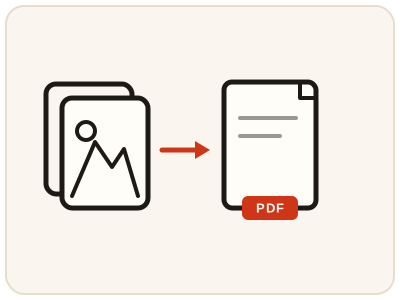
Image to PDF turns a pile of loose JPG and PNG pictures into a single PDF document — scanned notes, receipts, a portfolio or a set of product photos — that opens the same way on every device and keeps your pictures in order, one per page. It is assembled entirely in your browser, so your pictures never leave your device. A moment spent ordering the pictures before you convert saves the recipient from flipping through a shuffled document.
02 Workflow
How to use Image to PDF
- 1Choose your picturesPick the JPG or PNG pictures you want to include. They stay on your device.
- 2Arrange the orderPut the pictures in the sequence you want them read, cover or first page first, and check each is the right way up.
- 3Create the PDFThe PDF is assembled locally in your browser, one picture per page.
- 4Preview and downloadConfirm the pages are in the right order, then save the PDF to share, submit or print as a single document.
03 Good to know
Frequently Asked Questions
How many images can I put in one PDF?
You can combine multiple pictures into a single PDF, with each picture appearing as a page in the order you choose. For very large sets, consider splitting them into a few documents so the file stays easy to share.
Will my pictures keep their quality in the PDF?
Yes, for practical purposes. The pictures are placed into the PDF as pages, so they display clearly when viewed or printed at normal sizes.
Can I reorder pages after creating the PDF?
Arrange your pictures in the right order before converting, since the PDF is assembled in that sequence. If the order is wrong, simply run the conversion again with the pictures rearranged.
Can I make a PDF from photos of documents for an application?
Yes — that is one of the most common uses. Photograph each page, order them here, and create one PDF to upload to the job, university or government portal that asks for a single document.
Can I combine JPG and PNG pictures in the same PDF?
Yes. This tool accepts JPG and PNG pictures together, placing each one on its own page in the order you arrange.
Can I turn phone photos into a PDF without a computer?
Yes. The tool runs in your phone's browser, so photos from your gallery can be ordered and combined into a PDF ready to share or upload, straight from the phone.
How do I share a set of screenshots as one document?
Add the screenshots in reading order and create the PDF — one screenshot per page. It is far easier to follow than a chain of separate image messages, and it prints as a single document.