Merge PDF
Combine multiple PDFs in your browser.
01 Overview
About Merge PDF
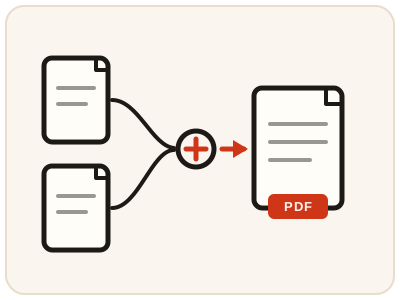
Merge PDF combines two or more PDF files into a single document, keeping every file's pages in the order you set. Combining files is a daily chore in offices and study: joining scanned pages into one document, attaching certificates behind a resume, or gathering invoices, forms and ID copies into a single file for an application or email.
02 Workflow
How to use Merge PDF
- 1Upload 2 or more PDFsDrop multiple files or add them one at a time.
- 2Reorder the filesUse the up/down arrows so files merge in the order you want.
- 3Merge & downloadGet one combined PDF with every page from every file.
03 Good to know
Frequently Asked Questions
Is Merge PDF free to use?
Yes, Merge PDF is completely free without signup or added branding. File-size, page-count and request limits apply.
Does file order matter?
Yes. Pages are combined in the order the files are listed — reorder them with the arrows before merging.
Is there a file size limit?
There's no fixed limit, but very large or numerous files take longer to process in the browser.
How do I combine PDF files into one without losing quality?
Merging copies each file's pages into the new document exactly as they are — pages are not re-compressed or re-rendered, so text, images and quality stay the same as in the original files.
Can I merge PDF files on my phone?
Yes. The tool runs in your phone's browser on Android or iPhone, so you can combine PDFs without installing an app.
Can I merge a PDF and JPG files together into one document?
Not directly — Merge PDF accepts PDF files only. Convert the JPG with JPG to PDF first, then add the resulting PDF here and merge everything into one document.
Is Merge PDF a free PDF combiner?
Yes — it works as a free PDF combiner: join multiple PDFs into one file, in any order you set with the arrows, and download the combined document.
Can I merge password-protected PDF files?
Not while they are protected — a file with an open password cannot be read or copied page by page. Remove the password from each file first with Unlock PDF, then merge the unlocked copies.