Plagiarism Checker
Check text against configured similarity sources.
01 Overview
About Plagiarism Checker
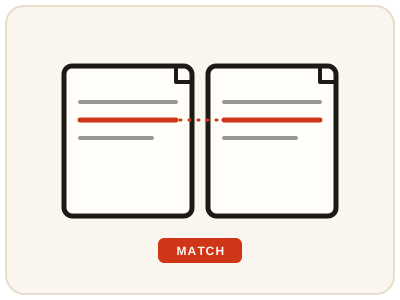
Plagiarism Checker reviews your text against configured similarity sources and highlights passages that closely match existing material, so you can add citations or rewrite before submitting. Without a configured similarity provider (Copyleaks), it shows SIMULATED, clearly labelled results only — a demonstration of the format, not a real check and never proof of originality or copying.
02 Workflow
How to use Plagiarism Checker
- 1Paste your textPaste the essay, draft or article you want to review. Avoid sensitive or confidential work — this is a server tool.
- 2Check the result labelBefore acting on anything, confirm whether your result is labelled simulated or provider-backed.
- 3Review highlighted passagesRead each match in context and note any source information shown.
- 4Cite or rewriteAdd citations for quoted or closely paraphrased material, and rewrite passages that sit too close to a source in your own words.
03 Good to know
Frequently Asked Questions
Is a simulated result a real plagiarism check?
No. Without a configured similarity provider (Copyleaks), the tool shows simulated, labelled results only. A simulated score does not compare your text against real sources and must never be quoted as proof of originality or copying.
Does a low similarity score guarantee original work?
No. A low score means little matching text was found in the sources checked, not that every idea is original. Proper citation still matters, and a real check depends on having a similarity provider configured.
What should I do when a passage is flagged?
Read the passage in context first. If it is a quotation, make sure it is cited correctly. If it is too close to the source, rewrite it in your own words and add a citation where the idea still comes from that source.