AI Email Writer
Draft clear emails from bullet points.
01 Overview
About AI Email Writer
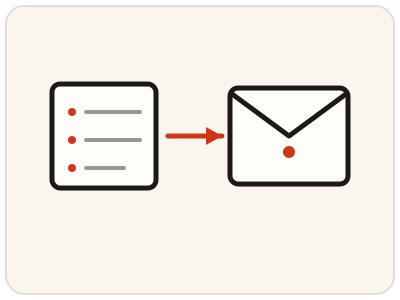
AI Email Writer turns your bullet points into a complete, polite email — greeting, body and closing — with the tone the situation needs: formal for a client, friendly for a colleague, concise for a busy executive. Starting from bullets keeps you in control of the content while the tool handles structure and wording, which suits follow-ups, introductions, apologies, meeting requests and applications. Always read the draft before sending and check names, dates and promises. This is a server tool and needs a configured AI provider; without one it shows an error.
02 Workflow
How to use AI Email Writer
- 1List your bullet pointsWrite the purpose, key facts, dates or deadlines, and the action you want from the reader. Keep sensitive details out.
- 2Add context and toneSay who the email is for and what outcome you want, and choose a tone such as formal, friendly or concise where offered.
- 3Generate the draftYour points are sent to the configured AI provider, which drafts the full email.
- 4Check, edit, sendVerify names, dates and commitments, edit until it sounds like you and says exactly what you mean, then copy it into your mail app and send.
03 Good to know
Frequently Asked Questions
What should I include in my bullet points?
Include the purpose, the key facts, any dates or deadlines, and the action you want from the reader. The clearer your bullets, the more accurate and useful the draft will be.
Should I send the draft without reading it?
No. Always check names, dates, promises and tone first. A draft is a starting point, and you are responsible for what you send, so edit it until it says exactly what you mean.
Why does the email writer show an error?
The email feature needs a configured AI provider on the site. If no provider is enabled, it shows an error instead of a draft. It will work once a provider has been configured.