AI Humanizer
Make generated text read more naturally.
01 Overview
About AI Humanizer
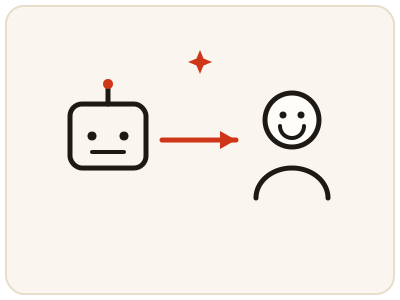
AI Humanizer reworks a stiff, generated-sounding draft toward natural writing — varied sentence lengths, simpler connectors, a less mechanical tone — so your own draft reads like a person wrote it. Use it as a polishing step and then add your own edits and details; it does not make false claims true. This is a server tool and needs a configured AI provider on the site; without one it shows an error.
02 Workflow
How to use AI Humanizer
- 1Paste your draftPaste the generated text you want to make more natural. Remove sensitive information before submitting.
- 2Submit the textYour text is sent to the configured AI provider for the rewrite.
- 3Read it aloudCheck whether the new version sounds natural, and fix any sentence where the meaning changed.
- 4Make it genuinely yoursAdd your own examples, opinions and details, and confirm every claim is accurate before using the text.
03 Good to know
Frequently Asked Questions
Does humanizing text make it undetectable as AI writing?
Not reliably, and that should not be the goal. Use the humanizer to polish your own draft and improve readability, not to hide authorship or evade a review process that requires disclosure.
Will the humanizer change my meaning?
It can, which is why you must review the output carefully. Check facts, emphasis and tone, and correct any sentence that no longer says what you intended.
Why do I see an error instead of a result?
The humanizer needs a configured AI provider on the site. If no provider is enabled, it shows an error rather than a rewritten text.
Can I humanize ChatGPT text for free?
Yes. Paste the draft you generated with ChatGPT or a similar tool and the humanizer reworks it toward natural, human-sounding writing at no cost and with no sign-up. Add your own examples, opinions and details afterwards so the text is genuinely yours.
How does the humanizer make AI text sound more natural?
It varies sentence lengths, swaps stiff connectors for simpler ones and loosens the mechanical rhythm that makes generated text easy to spot. Read the result aloud afterwards — if a sentence sounds off or the meaning has shifted, fix it before you use the text.