Excel to PDF
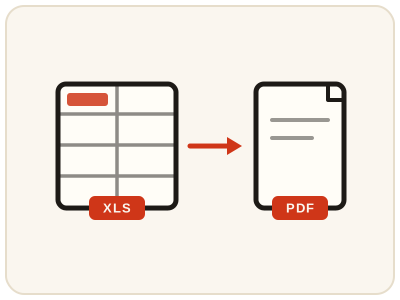
Convert spreadsheets into PDF files in your browser.
01 Overview
About Excel to PDF
Excel to PDF offers local table rendering and, for XLSX when configured, a server Office engine. Native processing recalculates supported formulas; verify important totals and print layout. A PDF copy is what most people expect when a spreadsheet is shared for review, invoicing or archiving, because it opens the same way on every device and cannot be edited by accident.
02 Workflow
How to use Excel to PDF
- 1Upload a spreadsheet.xls, .xlsx, and .csv files are all supported.
- 2Let each sheet renderSheets are drawn as tables in the order they appear in the workbook.
- 3Download the PDFReview sheet pagination, columns, charts and formula values before sharing.
03 Good to know
Frequently Asked Questions
Is Excel to PDF free to use?
Yes, Excel to PDF is completely free without signup or added branding. File-size, page-count and request limits apply.
Are my files uploaded anywhere?
Browser processing stays local. Selecting the server engine uploads the XLSX file; supported formulas are recalculated and Excel-specific functions may differ.
Does this work on mobile devices?
Yes, it works on phones, tablets, and desktop browsers.
Can I convert a CSV file to PDF?
Yes. Alongside .xls and .xlsx workbooks, a .csv file is rendered as a table and saved as a PDF, which is handy for sharing data exports and logs.
Will my formulas appear as values in the PDF?
Native processing recalculates supported formulas, so the PDF shows their current values rather than the formulas themselves. Excel-specific functions can differ, so verify important totals before sharing.
My spreadsheet is wide and gets cut off in the PDF — what can I do?
Sheets are rendered as tables in workbook order, so a very wide sheet may paginate awkwardly. Check the downloaded PDF; if columns split badly, narrow or tidy the columns in the spreadsheet and convert again, or use the configured server Office engine for XLSX, which follows Excel's own print setup more closely.
Can I convert an Excel file to PDF on my phone?
Yes, it works on phones, tablets and desktop browsers. The PDF opens in any reader app, and each sheet appears in the order it has in the workbook.