PDF to PowerPoint
Convert PDF pages into PowerPoint slides.
01 Overview
About PDF to PowerPoint
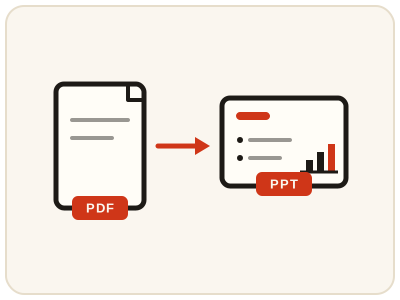
PDF to PowerPoint creates a slide image for each page. Text is not independently editable. The presentation uses one slide size, based on the first source page. It suits decks whose original file is lost, PDF handouts that need to be shown as slides, and reports that have to be presented rather than read — you get the pages on screen in slide form.
02 Workflow
How to use PDF to PowerPoint
- 1Upload your PDFEach page is rendered locally at high resolution.
- 2Let it build slidesOne image slide is created per page; mixed page sizes are fitted to the common slide size.
- 3Download the .pptxOpen it in PowerPoint, Keynote, or Google Slides.
03 Good to know
Frequently Asked Questions
Is PDF to PowerPoint free to use?
Yes, PDF to PowerPoint is completely free without signup or added branding. File-size, page-count and request limits apply.
Can I edit the text on each slide?
Slides contain rendered page images, so text and individual graphics cannot be edited separately.
Does this work on scanned PDFs?
Yes, since each page is rendered as an image, scanned pages convert just as well as text pages.
Will each PDF page become one slide?
Yes. Every page is rendered at high resolution and placed on its own slide, in page order, so a ten-page PDF becomes a ten-slide presentation.
What happens if my PDF pages are different sizes?
The presentation uses one slide size, based on the first page of your PDF. Pages of other sizes are fitted to that common size, so mixed-size documents still present consistently.
Can I open the converted presentation in Google Slides or Keynote?
Yes. The downloaded .pptx opens in PowerPoint, Keynote and Google Slides, so you can present it or share it with people who use different software.
Can I convert a PDF to PowerPoint on my phone?
Yes. The conversion runs in your phone's browser, and the .pptx can be opened in a presentation app or shared straight from the download.