Rearrange PDF Pages
Reorder pages by listing their numbers and export a new PDF.
01 Overview
About Rearrange PDF Pages
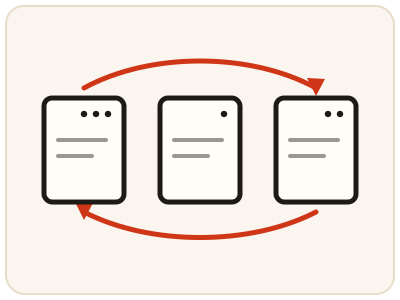
Rearrange PDF Pages lets you set a new page order for a document and exports a PDF that follows it. It is the quick way to fix a scan whose pages came out in the wrong sequence, or to move an appendix, summary or signed page where it belongs. Everything runs in your browser, so the document is never uploaded.
02 Workflow
How to use Rearrange PDF Pages
- 1Upload your PDFThe current page order is pre-filled for you.
- 2Edit the page orderList page numbers in the order you want them to appear.
- 3Apply & downloadGet a new PDF with pages arranged the way you specified.
03 Good to know
Frequently Asked Questions
Is Rearrange PDF Pages free to use?
Yes, Rearrange PDF Pages is completely free without signup or added branding. File-size, page-count and request limits apply.
Can I drop a page by leaving it out?
Yes — any page number left out of the new order is excluded from the result.
Does this work on mobile devices?
Yes, it works on phones, tablets, and desktop browsers.
How do I change the order of pages in a PDF?
Upload the PDF and the current page order appears pre-filled in the order box. Rewrite the list so the numbers run in the order you want the pages to appear, then apply and download the rebuilt PDF.
Can I move the last page of a PDF to the front?
Yes. Move the last page's number to the start of the pre-filled order list, keeping every other page listed after it in the sequence you want, then apply — the downloaded PDF opens with that page first.
Does rearranging pages change the pages themselves?
No. Only the sequence changes; each page's content, size and quality stay as they were, and your original file is untouched — the new order is saved in the PDF you download.
My scan came out in reverse order — can I flip the whole sequence?
Yes. The order box starts filled with the current order; rewrite it back to front — for a 5-page file, enter 5, 4, 3, 2, 1 — and the exported PDF follows the order you listed exactly.