Rotate PDF
Rotate all or selected PDF pages.
01 Overview
About Rotate PDF
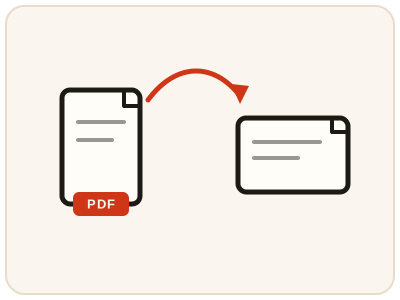
Rotate PDF turns every page in a document by 90, 180, or 270 degrees — useful for scans saved sideways or upside down. It is the standard fix for documents fed through a scanner the wrong way round: upload, pick the angle, and download a copy that opens the right way up in any reader.
02 Workflow
How to use Rotate PDF
- 1Upload your PDFWorks with any standard PDF.
- 2Choose a rotation anglePick 90°, 180°, or 270° clockwise.
- 3Rotate & downloadEvery page in the document is rotated together.
03 Good to know
Frequently Asked Questions
Is Rotate PDF free to use?
Yes, Rotate PDF is completely free without signup or added branding. File-size, page-count and request limits apply.
Can I rotate just one page?
This tool rotates every page at once. For per-page control, rotate the file, then use Rearrange PDF Pages to fine-tune order.
Does this work on mobile devices?
Yes, it works on phones, tablets, and desktop browsers.
How do I fix a PDF that was scanned sideways?
Upload the PDF and choose 90° if the pages lean one way or 270° if they lean the other; 180° fixes pages that are completely upside down. Every page is turned together, and the rotated result is what you download.
Can I rotate a PDF permanently, not just in the viewer?
Yes. The rotation is applied to the pages in the file you download, so it stays rotated in any PDF reader or when printed — it is not just a temporary view setting.
Does rotating a PDF change the text or images on the pages?
No. Rotating only changes each page's orientation; the text, images and layout on the pages are left exactly as they were.
Only some pages of my PDF are sideways — how do I fix just those?
This tool turns every page together, so for a mixed document, split out the sideways pages with Split PDF, rotate that smaller file, then merge it back with Merge PDF. For a document that is uniformly sideways, rotate the whole file here in one pass.